Microsoft Pulls the Plug on PC-to-PC Migration
Microsoft has confirmed that the Windows 11 PC-to-PC Migration feature is no longer available, closing off the simplest route for moving files from an old machine to a new one without touching the cloud. The tool vanished with the September optional update and reached regular users in the October 13, 2026 Patch Tuesday release, KB5127648.
The question readers have been asking is straightforward enough: what easy way to move files did the latest Windows 11 update remove? The answer is a feature that, for a little over a year, let two computers talk to each other directly over Wi-Fi or Ethernet and copy folders across with nothing more than a one-time pairing code.
How the Tool Worked Under the Hood
Introduced in 2025, the feature was pitched as a modern replacement for Windows 7’s Easy Transfer, a utility old enough to have its own nostalgia. The mechanics were simple. You paired the old and new PC with a one-time code, picked the folders you wanted, and Windows handled the rest over a local network link.

The technical reality was more modest than the name suggested. It was not a full system migration tool. Installed applications, saved passwords, sign-in information and some protected folders did not make the trip. What it did do well was move files between different drives and folders, which is precisely the job most people face when setting up a replacement computer.
That distinction matters. The feature was never going to clone a machine, but it removed the tedious middle step of hunting for a USB drive or paying for cloud capacity. For a household upgrading one PC, it was the difference between an afternoon and an evening.
OneDrive Steps In, With 5GB in Tow
Microsoft has not said what prompted the removal. Its support documentation simply redirects users to Windows Backup, which requires a personal Microsoft account and backs up supported folders such as Desktop, Documents, Pictures, Videos and Music to OneDrive.
Free OneDrive accounts come with 5GB, an allowance that disappears quickly if you have years of photos, documents and downloads to shift. Microsoft’s own promotional screenshot shows 4.5GB of that quota already consumed, which is hardly a reassuring advertisement for anyone moving a lifetime of files to a new machine.
Windows Backup does have genuine advantages. It can remember installed apps, Wi-Fi networks, passwords and some settings, which smooths the setup process. But apps still need reinstalling, and the files themselves have to come back down from the cloud.
What Users Can Still Do
Local transfers have not been outlawed, merely unguided. USB drives, external storage and network shares all still work, and for large volumes they remain faster than a domestic upload link. What has gone is the convenience: the wizard, the pairing code, the folder picker.
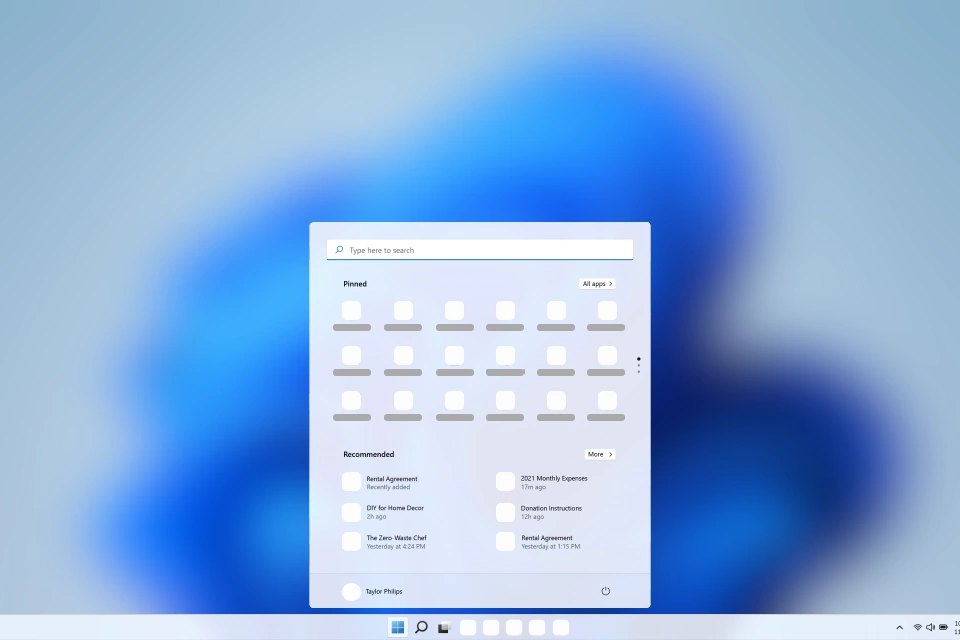
The broader context is a cloud-first strategy that has been visible across Windows 11 for some time. The operating system shipped on October 5, 2021, with a redesigned shell influenced by the cancelled Windows 10X project, and its direction since has leaned steadily toward Microsoft’s online services. Removing a local migration tool fits that pattern neatly.
Elsewhere the company has been adding recovery options rather than transfer ones. The October preview update KB5127936 introduced Cloud Rebuild, which reinstalls Windows 11 from a Windows image and device drivers pulled from Windows Update, even when the existing installation will not boot. No USB media or custom image is required. It behaves more like a fresh install than a repair, so files and applications are not preserved, and drive sanitisation is available for those who want data securely erased first.
The same preview update also began addressing a long-standing complaint about the right-click menu, adding a customise option that lets users toggle built-in commands and rearrange what appears. That rollout is gradual, with general availability to follow.
The Upgrade Calendar
Windows 11 26H2 is now available to all eligible PCs through the standard Windows Update menu, arriving as an enablement package that activates code already delivered through cumulative updates. Home and Pro editions receive patches until October 9, 2028, while Enterprise and Education editions are supported until October 8, 2029.
For anyone planning a machine swap before then, the practical arithmetic is unchanged: 5GB of free cloud storage, or a USB drive and a free afternoon. Microsoft has not said it will reintroduce local migration.
Sources
- Windows 11 just lost an easy way to move files, and Microsoft wants you on OneDrive
- Windows 11
- Microsoft fixes a Windows 11 annoyance as PC revenue declines
- A crashed Windows 11 PC no longer means hunting for a USB recovery drive
- Windows 11 26H2 is now open to everyone. Don't expect big changes
- Windows 11 26H2 vs 25H2: What IT Admins Need to Know – TechRepublic
Photo: MikoSushi000 (Public domain)